
Android · Internal testing
Help test Vayvi on Android.
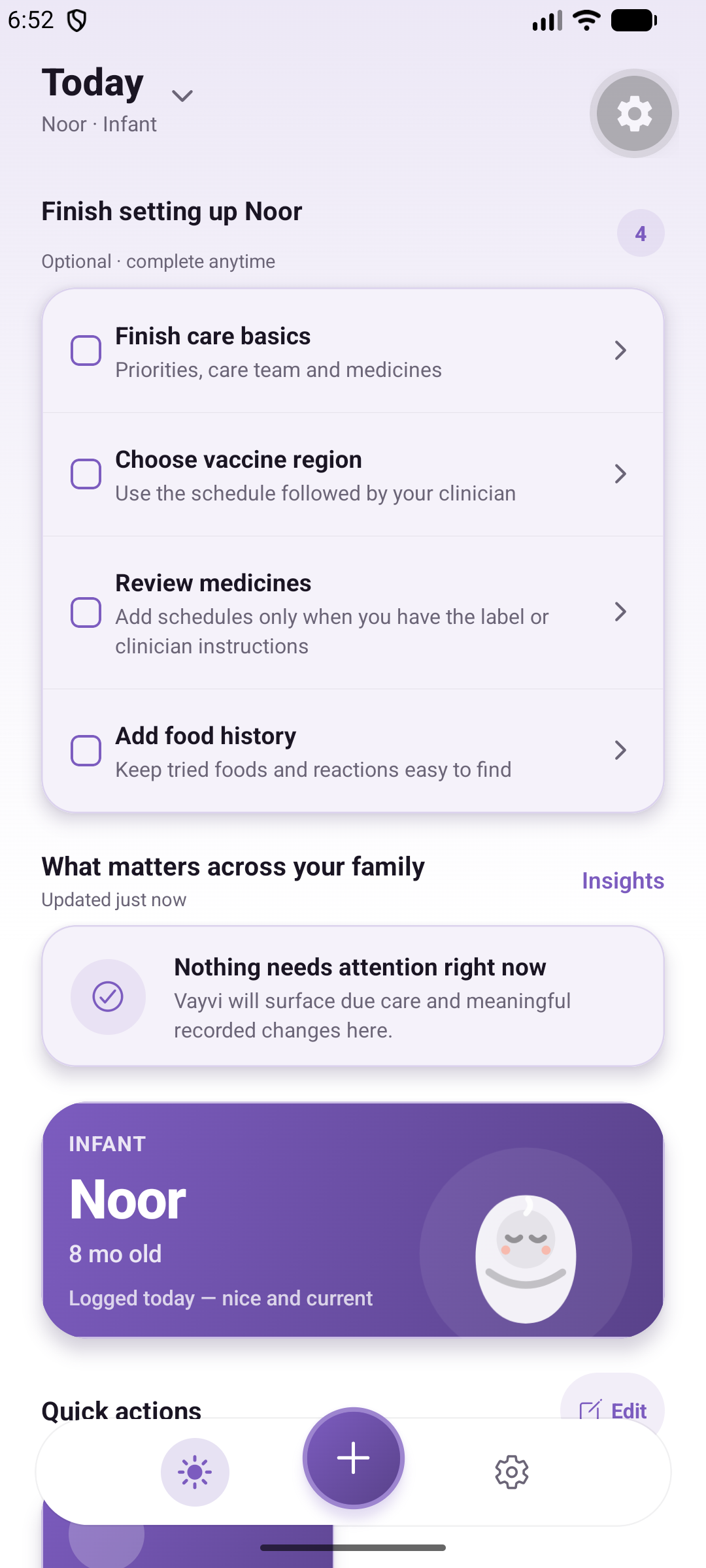
Keep care records, use stage-specific modules, and review your family’s information. The Android preview uses internal testing, with a separate enrollment process.
How access works
- Apply with the email address you use in Google Play.
- We check whether a testing place is available and add approved accounts to the tester list.
- Once approved, open the enrollment instructions using that same Google account.
- Opt in and install the test version through Google Play.
Submitting the form does not grant immediate access. Internal testing has a limited number of places. A Google Play link only works for eligible tester accounts.
What to try
Add and correct a care record, find it again in history, and try a relevant plan or document task. Tell us what was confusing, including your device and Android version, without sending personal care information.
Expect a beta
Features may change while we test them. Keep copies of important documents and follow your provider’s instructions for care. Vayvi is not a medical monitoring service.
Request Android testing access
You can use the web app now
Browser signup is self-service and does not require an Android testing invitation.
Open web app